The British Crown Green Bowling Association

Highlights


Introduction:
This is where a Club Administrator can register their new member to be a British Crown Green Member and obtain their unique Lifetime British Crown Green Membership No.
This process automatically puts the New Bowler directly into the National Database for the club in question. It also facilitates the payment direct to the British Crown Green Bowling Association.
This is a new way of getting BCGBA No.s. Don’t panic, there is a help network if you’re struggling.

Nothing has changed with the new BCGBA Database, registration of a new bowler still needs the same information, with mandatory items marked with (*):
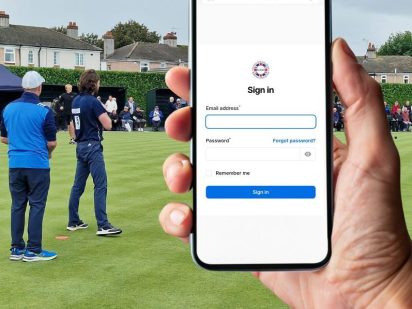
But as you sign in, be ready to make the payment here and now, and receiving your players Lifetime BCGBA No. here and now. No delays!!!

You can log-in here to your club(s) record and access the Register a New Bowler functionality.
This will become available when the BCGBA agree to close the current Just Go database and migrate all data to the new system.
This will start when the payment gateway project is complete.
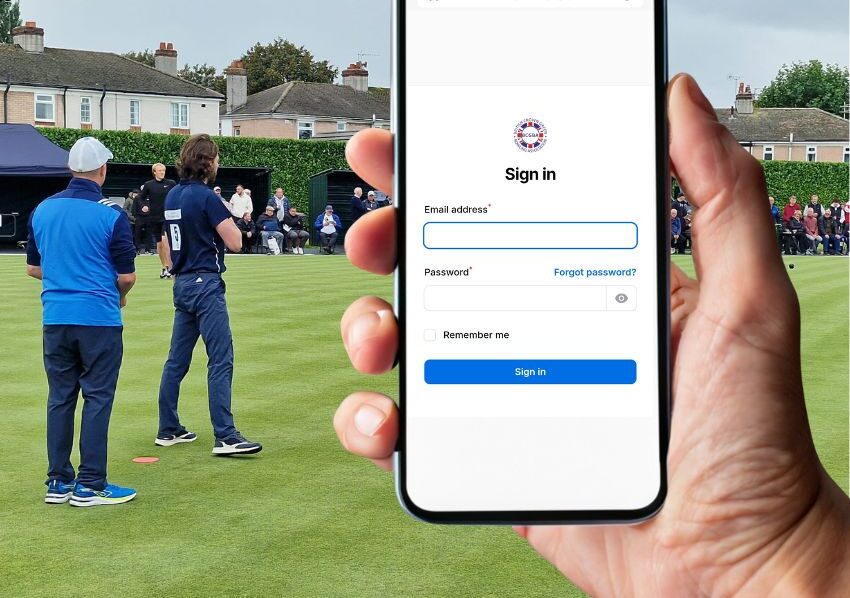
Your County Secretary or Membership Co-ordinator can log in and update your personal record to give you access. If you’re not sure who your County Officials are, they can be found in Regional Information.
Don’t Worry !!!
You can contact your County Membership Co-ordinator who can log into your club and use the new process on your behalf.
Simply send them the member details or New Member Form along with payment to your County, and they will complete the process for you.
In this instance make your payment to your County Organisation.
The new system is perfect for those who have access to modern banking techniques, but if your club still relies on cheques, simply send your cheque and member details to your County Membership Co-ordinator, and they will complete the process for you.
Make the cheque payable to your County Organisation.
When you are logged in, if your BCGBA data confirms that you are an administrator for more than one club, after you have entered your new players personal details, the club entry box will have your clubs ONLY in there. Select the correct club.
If you only have access to one club, you will not get the option to choose.
If you haven’t passed the payment stage, you should be able to simply re-type the details you’ve entered incorrect.
If you’ve already made payment, your new player details have gone into the system and you will not be able to edit them, apart from removing them as a bowler from your club.
Don’t start again, as you’ll be asked to pay again.
Contact your Membership Co-ordinator. They will be able to amend the new bowler record.